Тиша Українська

iPhone · iOS 26

Tysha

No phone number, no address book, no people search. Your identifier is tied to nothing: showing it does not reveal who you are. Messages are encrypted on your phone and decrypted on theirs - the server gets a blob of bytes and a queue address.

Coming to the App Store

Encryption is libsignal - the same engine Signal uses, with post-quantum key agreement. We did not write it and did not rewrite it.

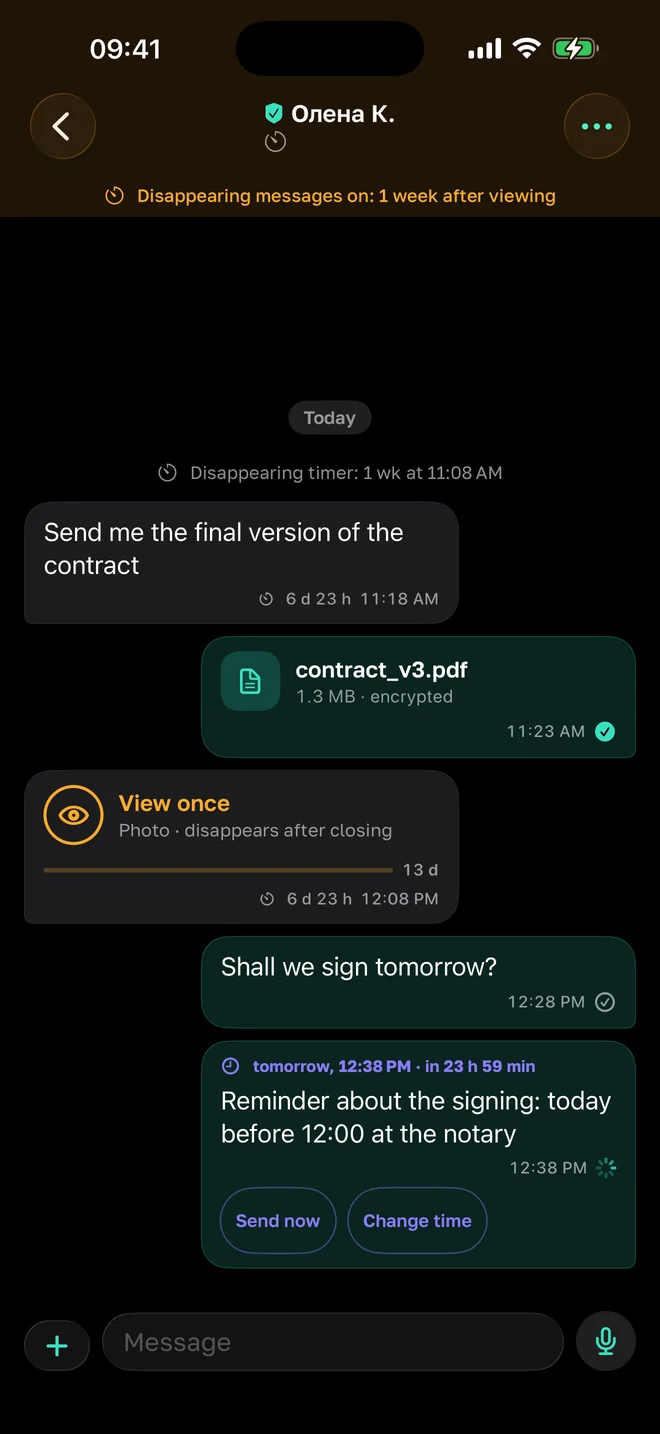
A conversation in Tysha: messages, a voice note and a countdown to disappearing

How it works

The server is there to deliver, not to read

A message is encrypted on your phone and decrypted on theirs. What the server gets is an envelope: a blob of bytes and a queue address. The sender's name lives inside the ciphertext, so the server never learns it. Delivered envelopes are erased; undelivered ones live no longer than thirty days.

KeysOn the phone onlyThe server does not hold them and cannot
PQXDHPost-quantum handshakeRecorded today, still unreadable tomorrow
RatchetA key per messageOne stolen key does not open the conversation

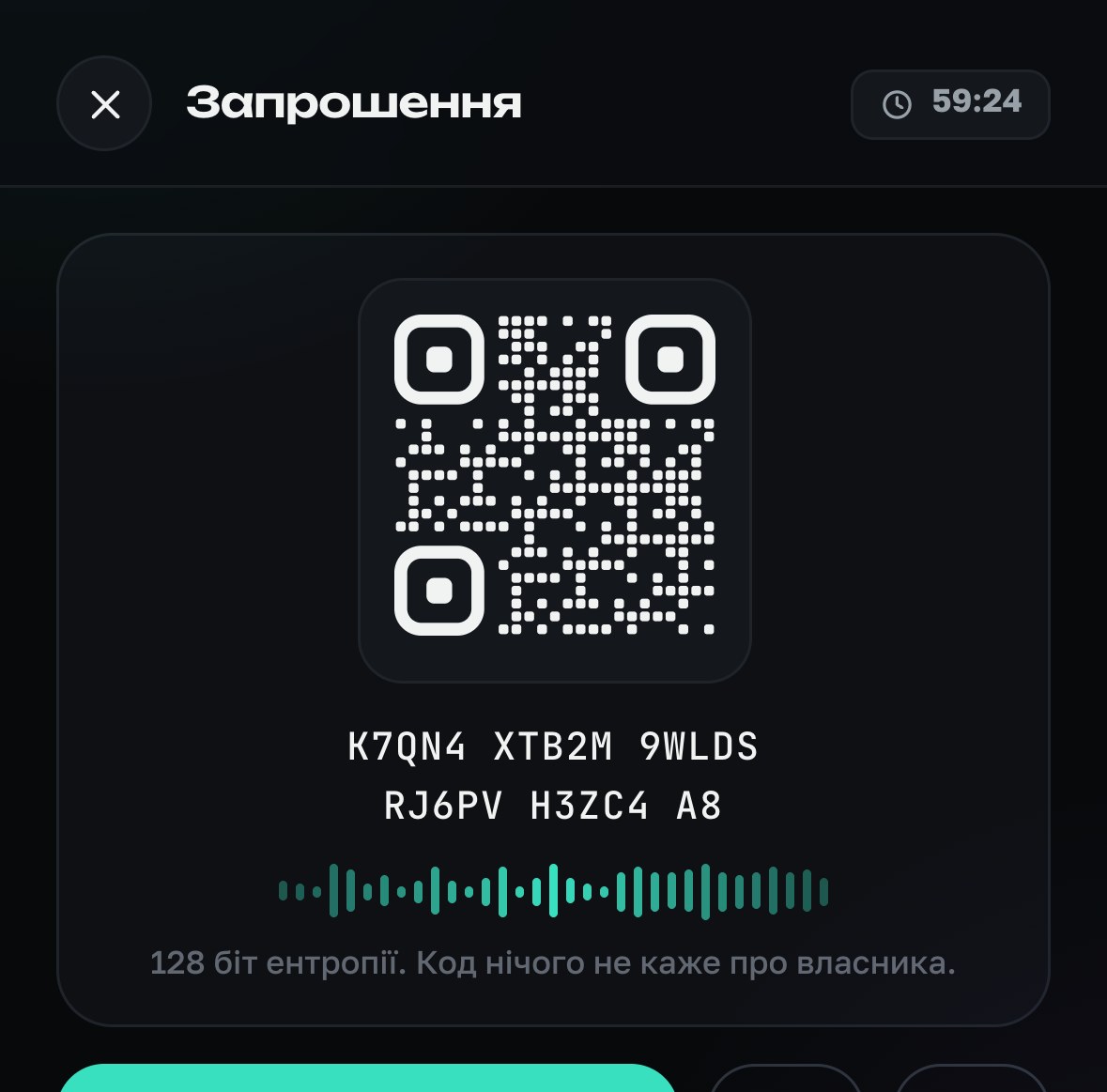
Safety numbers are compared in person - by scanning a QR code or reading the digits aloud. Only the person who did the comparing gets the «verified» mark: showing your own code and taking someone's word for it is not verification.

Who you are here

An identifier that tells nobody who you are

No phone number - nobody asks for one. No address book - the app never reads it. No people search: you cannot be found, by a name or by anything else.

Instead there is a username you made up yourself, tied to nothing. Showing it reveals nothing about you: not a number, not an email, not where else you exist. Want a different one? Make a different one.

Even on the server it does not live the way you would think: envelopes are addressed not to a name but to a queue address - sixty-four opaque characters the name cannot be recovered from.

Contact list in Tysha, with the names they chose and the verified-code mark

Invitations

A single-use link that dies in fifteen minutes

To start a conversation you show someone the QR code on your phone or send them a link - by any means, even read aloud. It is an invitation, not an address: it works once and lives fifteen minutes. Used, it dies that same second, and nobody gets a second turn with it.

OnceAnd never againA forwarded link no longer works
15 minThen it dies on its ownA link forgotten in a chat brings nobody
Your yesThe last word is yoursWhoever used the code asks permission first

A link can be intercepted - which is exactly why it decides nothing on its own. Whoever used it appears on your side as a separate request: you see the name and say yes or no. And to be sure it is the same person, there is the safety code - compare it in person or over video.

Calls · already working

Calls go phone to phone, not through the server

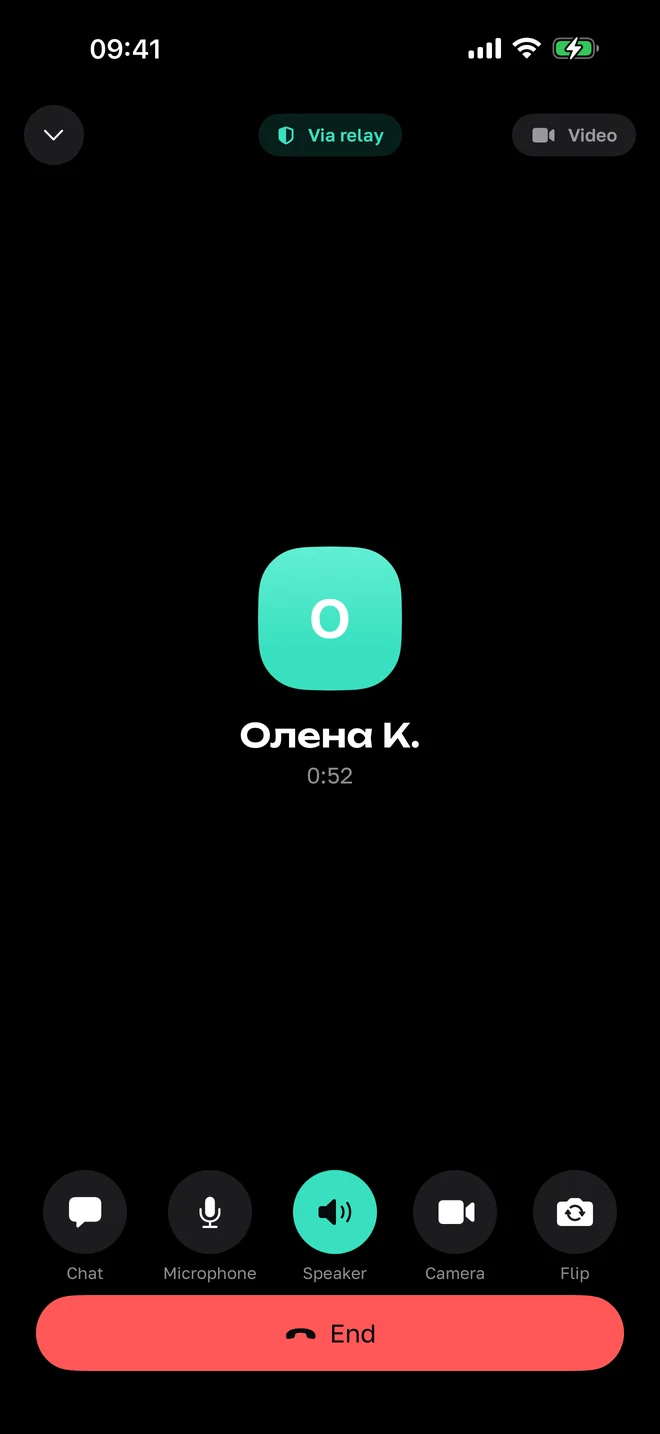
Voice calls already work and go through - in testing for now, along with the rest of the app. Audio goes from one phone straight to the other - the server takes no part in the conversation at all. Only a handful of setup envelopes pass through it at the very start, so the two phones can find each other.

When a direct path cannot be built - behind a corporate network, or with some mobile carriers - our own relay steps in. It forwards packets and sees nothing: the media is encrypted and it holds no keys.

The call screen says plainly which path the audio took: «direct» means the other side can see your IP address, and you should know that rather than guess.

Contact card: call, safety code, disappearing messages and a per-contact sound

Conversations

Disappearing messages that actually disappear

A timer from thirty seconds to four weeks, and it is the same for both sides: it is a rule of the conversation, not a note in your own diary. On the receiving side the countdown starts when the message is read, not when it arrives - something that came in at night should not vanish before anyone has seen it.

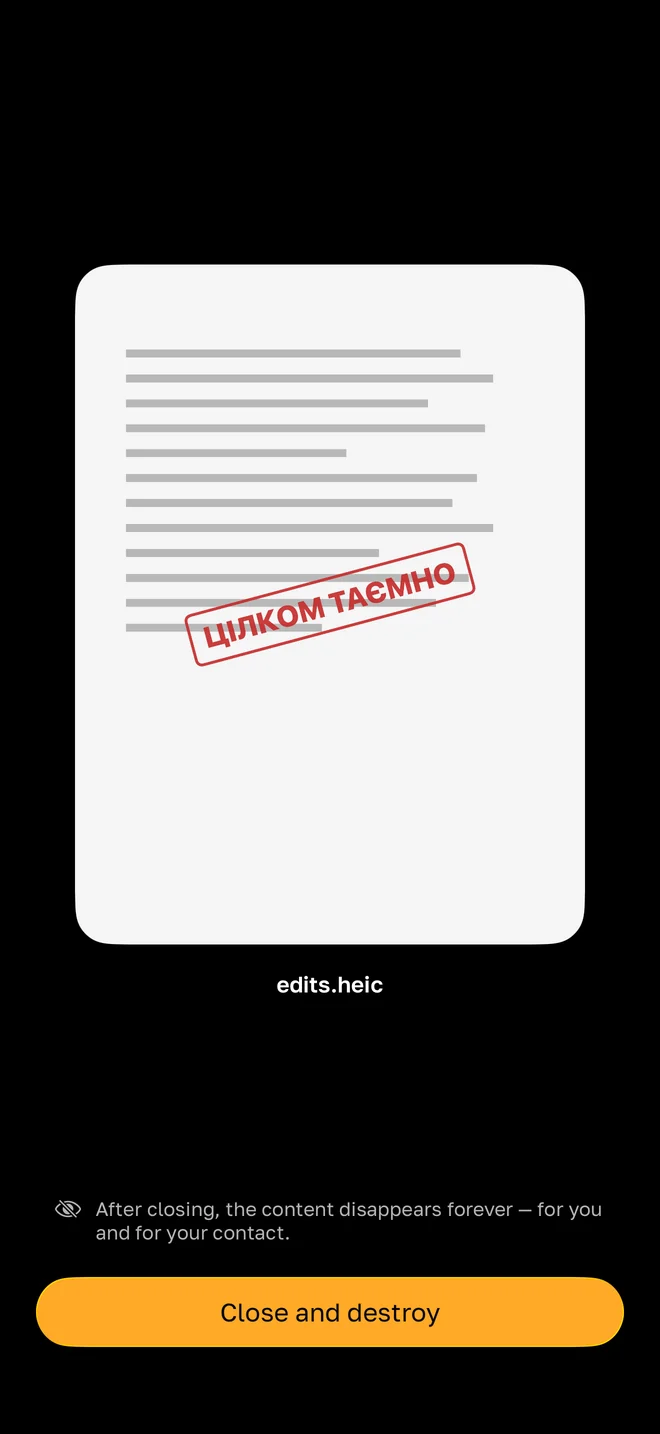
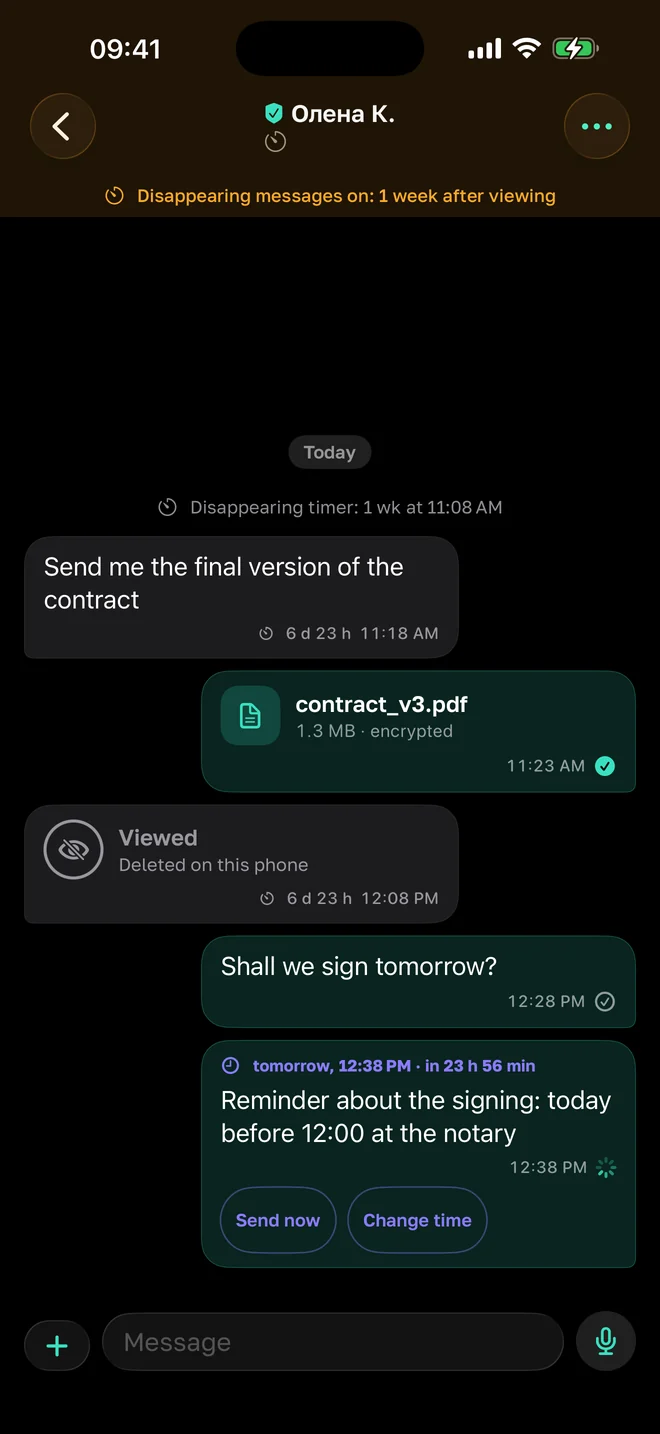
Alongside it: view-once media, silent messages, scheduled sending and delete-for-both. A screenshot is announced to both people - the one who took it and the one who was captured.

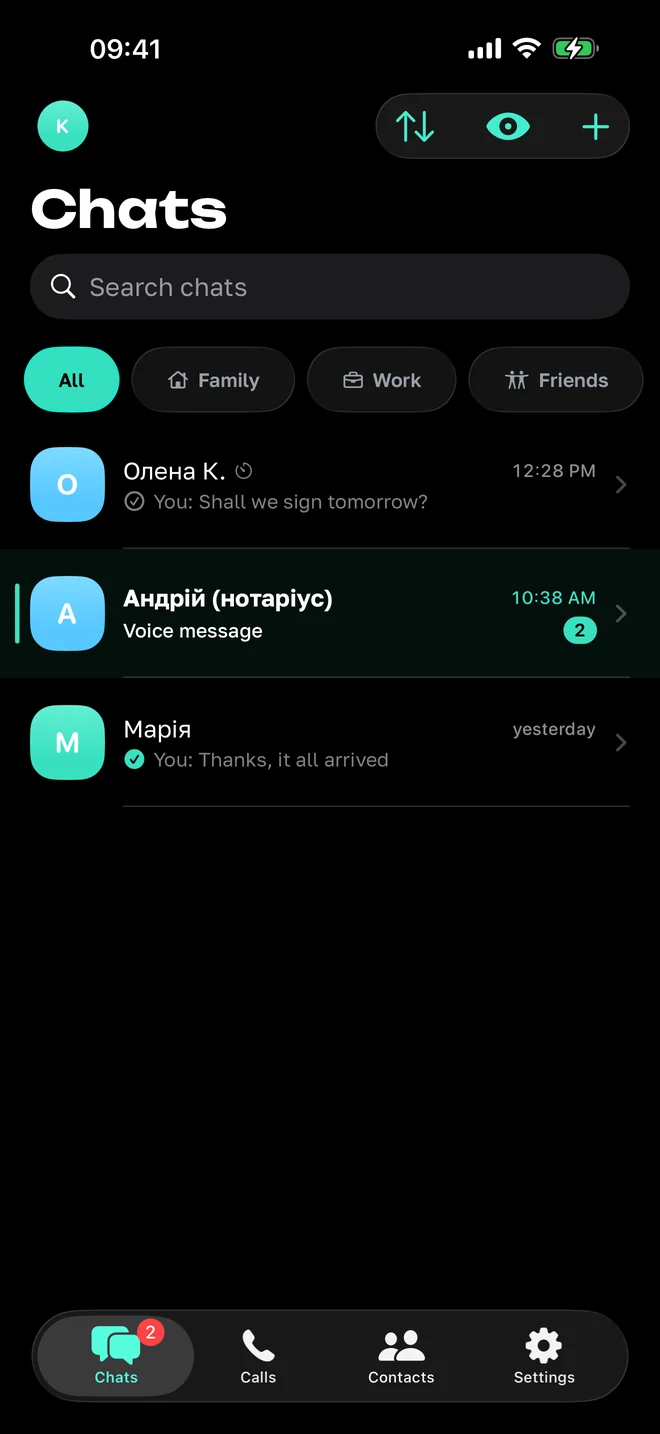
Conversation list in Tysha

Phone safety

Encryption does not help against someone holding your phone

So, separately: a passcode with Face ID, a growing delay between attempts - and a counter that lives outside the app, so reinstalling or moving the clock does not reset it. Optionally, a wipe after five or ten failed attempts: the database, the files and the keys together.

Plus a one-tap mode that blanks all text - protection from a glance over your shoulder - blurring in the app switcher, and an incognito keyboard.

What the server knows, and what it does not →

Settings: theme, message text size, privacy, security and diagnostics

What is not here, and will not be

Ads. Profiling. Reading your address book. Syncing your conversations into someone else's cloud. Finding people by phone number. A backup whose keys are not yours.

The screenshots on this page are from the Ukrainian build - the English interface is still being made. We would rather show what exists than mock up what does not.